
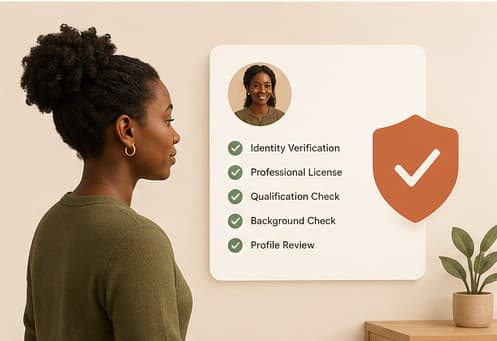
Your profile stays hidden from parent search until your credentials have been reviewed and approved. This applies to every therapist on Hayven, regardless of experience or specialty, since it's the thing parents are trusting when they book with someone they've never met.
What to submit: your membership or license number, the professional body that issued it, and supporting documentation. Be specific about which professional body applies to your discipline. Nigeria doesn't have one single registry, so the review is only as accurate as what you submit.
What the decision options actually mean: approved means your profile goes live immediately, with a badge naming your specific professional body. Flagged means more information is needed before a decision can be made; check your notifications, since you'll be told specifically what's missing. Rejected means the submission didn't meet verification as submitted; you can resubmit with corrected or additional information.
There's no fixed review window quoted here deliberately, since giving you a number that isn't reliably true would be worse than not giving one. But your profile updates and you're notified the moment a decision is actually made, so there's nothing to check manually in the meantime.
If you're ever unsure what's missing from a flagged submission, that's worth a direct message to Hayven's team rather than guessing and resubmitting the same thing twice.
This guide is general information, not a diagnosis or medical advice. If you're worried about your child, the next step is a conversation with a qualified therapist.
Keep reading



More for your practice
Structured courses with completion tracking live in your therapist dashboard.