
What happens when a slot gets booked: holds, payment, and confirmation
3 min read
It's worth knowing the actual sequence behind a booking, mostly because it explains a couple of things that can otherwise look like bugs: a slot briefly disappearing then reappearing, or a booking that doesn't show up on your schedule right away.
When a parent selects your slot, it's marked as held, not booked, while they go through payment. During this window, the slot won't show as available to anyone else searching, but it also isn't a confirmed session yet, nothing has happened on your end, and it won't appear on your schedule as confirmed.
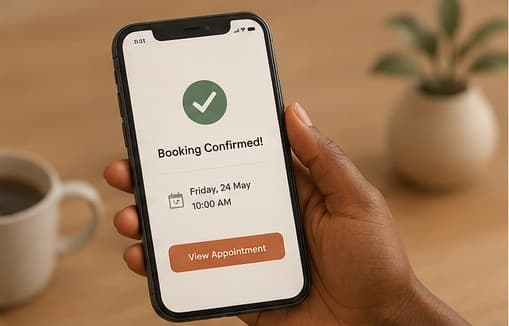
If payment completes successfully, the booking status updates to confirmed, the slot is marked booked, and it appears on your schedule properly. This is the point where you can consider the session real and plan around it. Before this point, treat a held-but-unpaid slot as tentative at most.
If payment doesn't complete, whether the parent abandons the flow or the payment fails, the hold expires automatically after a short window and the slot returns to available. You'll occasionally see a slot that was briefly unavailable become bookable again; that's this happening normally, not an error.
If you ever have a specific booking that looks inconsistent, showing as booked on your side but the parent says they never completed payment, or vice versa, that's worth flagging to Hayven directly rather than guessing, since it usually points to something specific worth looking into rather than something to just work around.
This guide is general information, not a diagnosis or medical advice. If you're worried about your child, the next step is a conversation with a qualified therapist.
Keep reading



More for your practice
Structured courses with completion tracking live in your therapist dashboard.