
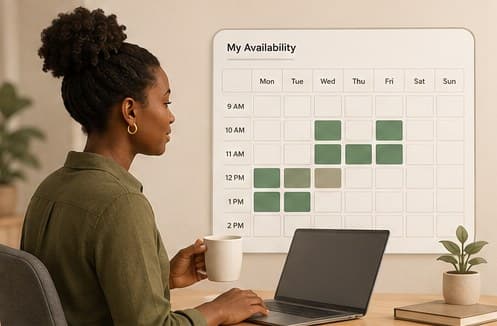
Availability on Hayven works as individual slots you add directly, each with its own date, start and end time, and session type (in-person or virtual), not a recurring weekly pattern you set once and forget. That's a deliberate tradeoff: more control over exactly when you're open, but it also means a calendar you set up once and never touch again will quietly go stale.
A slot you don't remove stays visible and bookable until someone books it or the date passes, so the main maintenance task on your end is removing slots you no longer want to offer, not adding new ones. If your actual availability changes (a new commitment, a personal conflict), deleting the now-inaccurate slot is what keeps your calendar trustworthy to parents browsing it.
Only unbooked slots can be deleted directly, which is intentional, once a parent has booked and paid for a slot, removing it needs to go through cancellation instead so both sides get proper notice, rather than a slot silently disappearing from someone's confirmed schedule.
When a parent starts booking a slot, it's held for them for a short window while they complete payment, roughly 15 minutes, rather than being immediately locked in. If they don't finish payment in that window, the hold expires automatically and the slot becomes bookable again. You don't need to do anything when this happens; it resolves itself.
A calendar with a handful of slots spread predictably across the week tends to convert into actual bookings better than a large batch added once and left untouched, since parents are often looking for a specific day or time that works around school, and predictable patterns are easier to plan around than an irregular scatter of one-off openings.
This guide is general information, not a diagnosis or medical advice. If you're worried about your child, the next step is a conversation with a qualified therapist.
Keep reading



More for your practice
Structured courses with completion tracking live in your therapist dashboard.